
Short comparison of a hot topic: the difference between a website and a web app
An ongoing debate among digital users does not seem to pinpoint the differences between a website and a web app. Yes! They do look similar, but only at a glance.
A website is designed to inform users, while a web app is built to help users complete specific tasks through interaction, data input, and workflow management.
Since we have covered the topic twice, with articles on what a website is and what a web app is, it seems fitting to write a short one on their key differences.
The common ground is that both open in a browser on a laptop and a phone. In addition, both of them could represent a company’s digital identity and activity.
Still, when it comes to differences, start with their purpose.
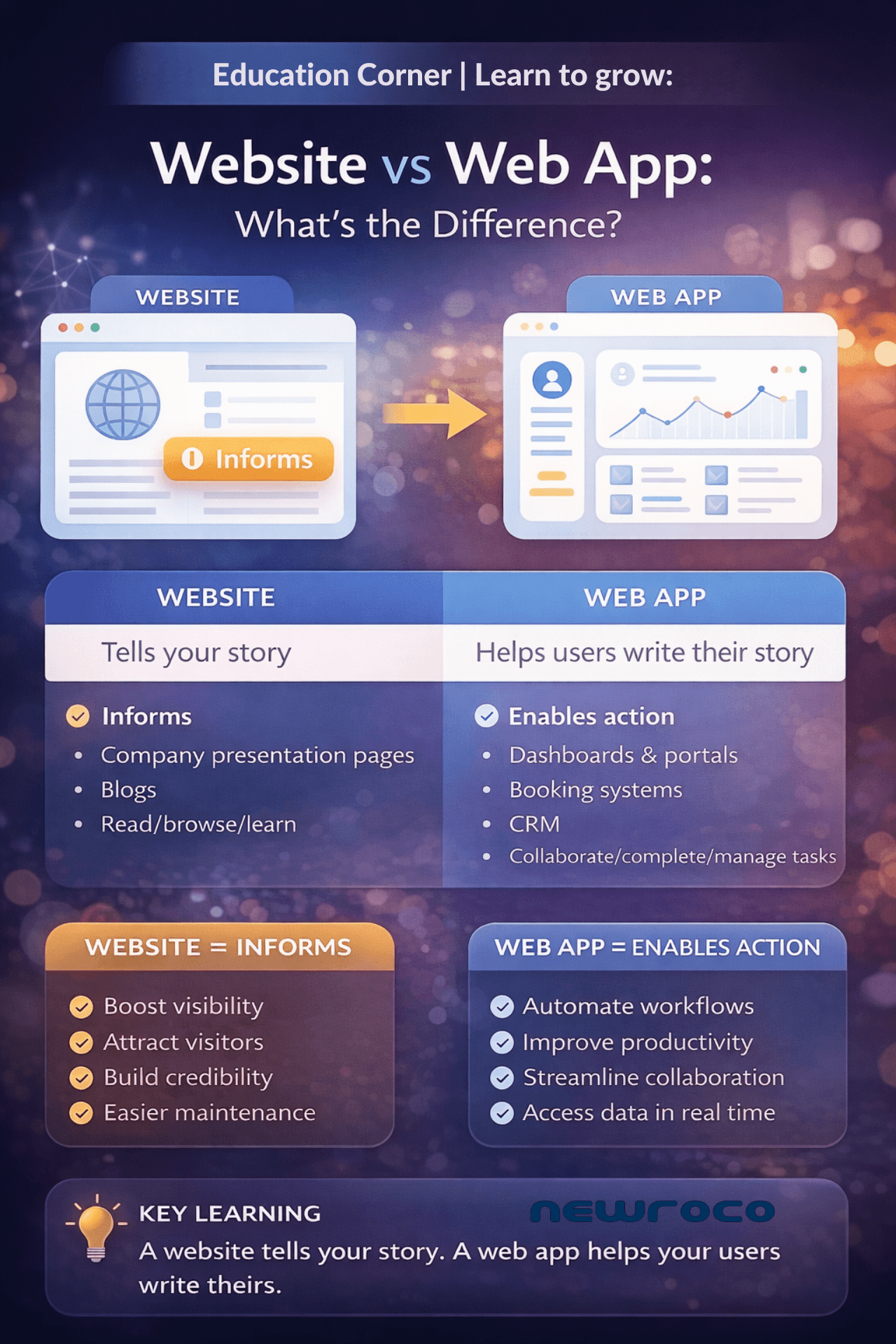
WEBSITE: designed to inform
WEB APP: designed to help users accomplish something specific.
This difference is important. With a better understanding, a business can invest better in its digital presence and continuity.
Let us summarize what we know:
What is a website?
Simple: a website is built to present information in different ways, personalized to match user intent and needs.
Some of the most popular examples of websites include company presentation pages, service pages, blogs, news sections, portfolios, contact pages, and landing pages.
The main role of the website is the communication of ideas, services, products, etc.
Examples of websites: a hotel website that includes room details and booking information; a medical clinic that presents doctors and their services; a company blog or a news portal.
The interaction between the user and website is relegated to reading, browsing, shopping, or submitting data through a contact form.
What is a web app?
A web app is interactive and task-oriented. A user uses a web app to log in, perform various actions, manage data, and complete different tasks. It serves a clear purpose.
Web app examples:
CRM dashboards; Educational platforms; Booking systems; Digital archaeology recording system; Project management tools.
When an archaeologist uses our digital recording system, he/she records excavation findings in real time from the dig site, which is also a great web app example.
Key comparison takeaway:
A website informs users where they can read and explore data.
A web app enables action where the user interacts, inputs data, manages, and collaborates with fellow users.
If a website tells your brand’s story, a web app helps your users write theirs. If you opt to build a website or/and/or a web app, we have a couple of best practices to have in mind:
1. Mobile-first design (website)
2. Fast loading speed (website)
3. Intuitive navigation (website)
4. Clear CTA (clear to action) (website)
5. Accessibility standards and a secure infrastructure (website)
6. Great UX (website)
7, Role-based access (web app)
8. Data security (web app)
9. Clean dashboard design (web app)
10. Scalable architecture (web app)
11. API-ready integration (web app)
FAQ:
Is Netflix a website or a web app?
Netflix is a web app because users log in, interact, and perform tasks.
Can a website become a web app?
Yes, websites can evolve into web apps by adding interactive features and user workflows.
Choosing between a website and a web app depends mostly on your business goals. If you are looking for visibility and solid communication, a website is perfect. If you want users to perform various tasks, collaborate, or manage different workflows, a web app is a smarter investment.
Our team believes technology should make your business run better.
Contact us if you need a website or a web app.