

A simple guide and infographic for everyday users
We use Wi-Fi every single day to connect to the Internet. At home, work, in cafes, hotels or airports, Wi-Fi is a constant companion, even in parks. Still, few people stop to think about the nature of Wi-Fi.
What is Wi-Fi? Our goal is to answer this question in a simple article, completed by a useful infographic. We would like to break things down in the simplest way possible.
Wi-Fi equals wireless internet.
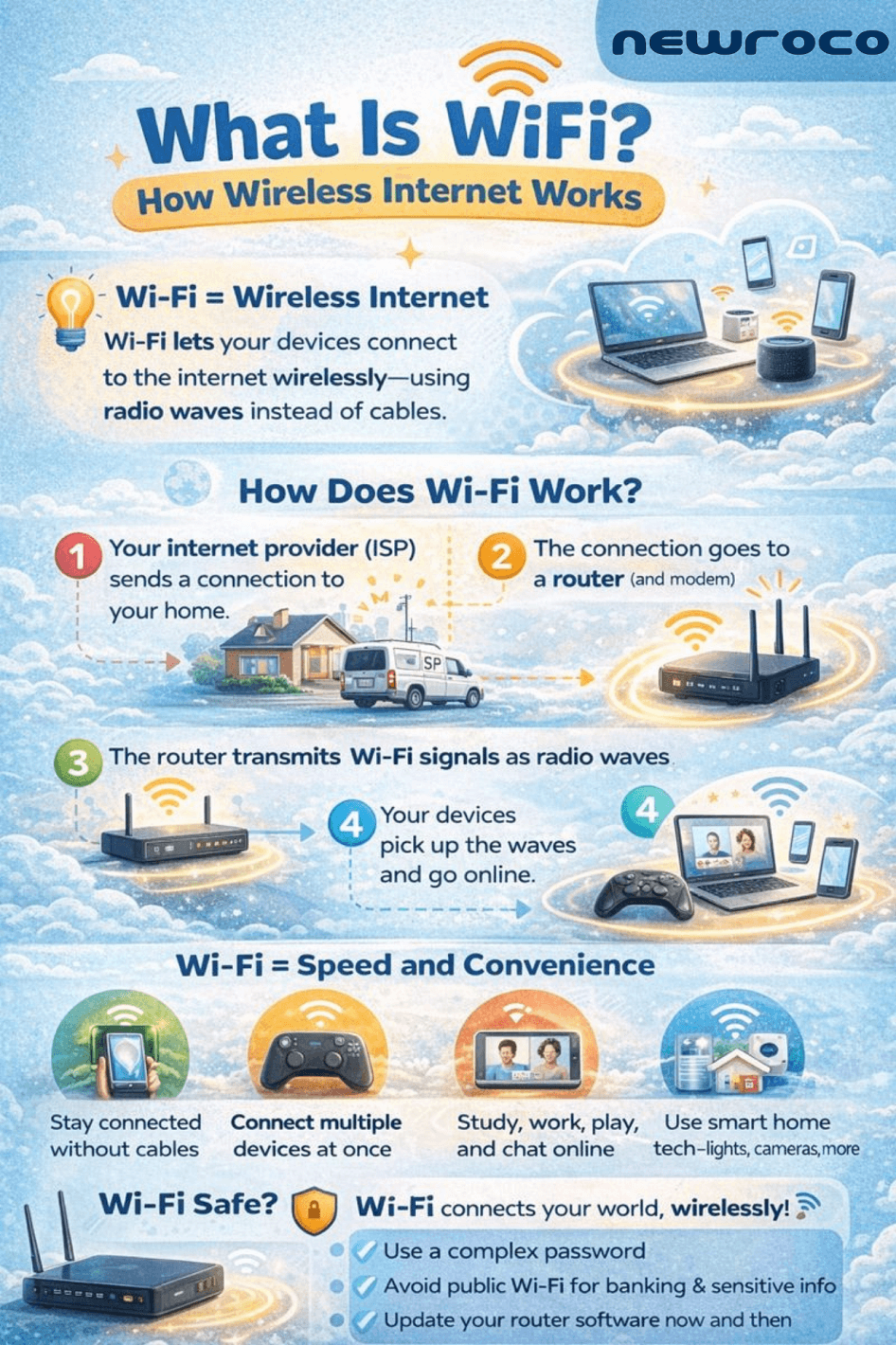
So, it is simple: Wi-Fi represents the technology that permits your phones, laptops, tablets, Smart Tvs, smartwatches, and household appliances to connect to the internet, without the use of cables. Wi-Fi lets you browse the internet without having to plug a cord in the computer or other type of device you’re using.
How does Wi-Fi work?
Wi-Fi uses radio waves, similar to invisible signals used by radios and TVs, but far faster and more precise. Let’s begin a more thoughtful process:
1. The internet provider sends a connection to your office or home.
2. The internet connection goes into the router.
3. The router “transforms” the internet signal into wireless radio waves;
4. Your devices pick up the waves and connect to the internet.
If you have access to the internet whenever you need.
Wi-Fi is very important these days. Why?
Wi-Fi changed the way we work, learn, and communicate, with vast implications in personal and collective development. There are countless benefits to using Wi-Fi:
1. You are not restricted to areas where Internet cables are available. So, you can move freely while remaining connected to the internet.
2. You can connect various devices to the Internet at the same time.
3. Use the Internet to learn, work, stream games, movies, play games, and talk to people whenever you want;
4. Connect smart home devices to the Internet without any problems whatsoever.
Wi-Fi is safe and easy to use
Always keep your Internet protection safe. How? Use a strong password. Most routers use encrypted connections to keep data safe. We have a couple of recommendations to be safe and avoid dealing with unwanted connections:
1. Do not connect to public Wi-Fi, except for airport or town hall connections;
2. Use complex passwords to protect Internet access;
3. Update router software to keep track of possible threats.
Wi-Fi is the best way to connect various devices to the Internet. It is the easiest and fastest way to connect to the digital world. From classrooms to offices, Wi-Fi is the norm.